 Easy Crosslist
Know which bin every item is in
Give each item a storage location, see it the moment it sells, and print 4×6 bin labels on the thermal printer you already ship with. Easy Crosslist keeps your bins and your listings in one place.
How it works
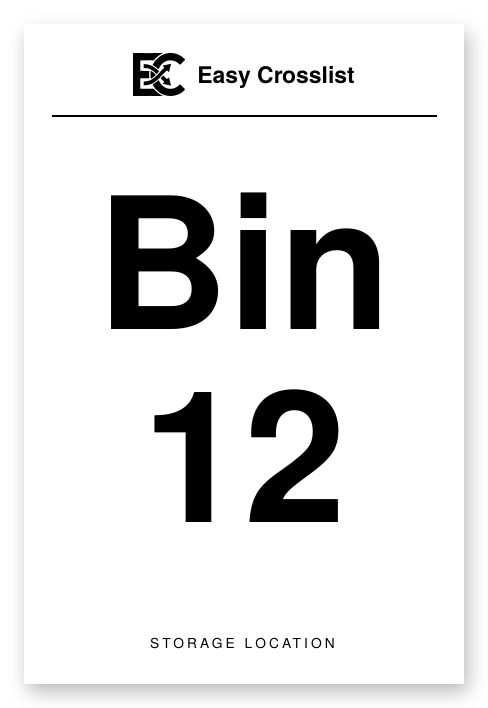
- Label your bins — Print 4×6 bin labels on your thermal printer — a whole range in one go — and stick one on each bin, tote or shelf.
- Bin each item as you list it — Type the location ("Bin 12") on the item, or set it in the phone app while you take photos. It suggests the bins you already use.
- Sell, then grab it — When it sells, the order shows a yellow 📦 Bin 12 tag right next to it. Walk to the bin, pull the item, ship.
How a sold order looks in Easy Crosslist — the bin is right there, so you can pull it and ship.
Everything for a reseller bin system
📦 Storage location on every item
A private field on the item — on the dashboard and in the phone app. Search My items or Orders by bin.
🟨 Shown on the order
Orders waiting to ship show the bin in yellow, so you're never digging through totes for a sold item.
🗂 Bins tab
Everything in stock, grouped by bin, with item counts and value. Search it, and see what still needs a bin.
↔️ Move items between bins
Reorganizing? Tick items and Move to… another bin in one go.
🧾 Checklist PDF & CSV
Print a checklist of one bin or all of them — with a tick box per item for counting stock — or export a spreadsheet.
🏷 4×6 thermal bin labels
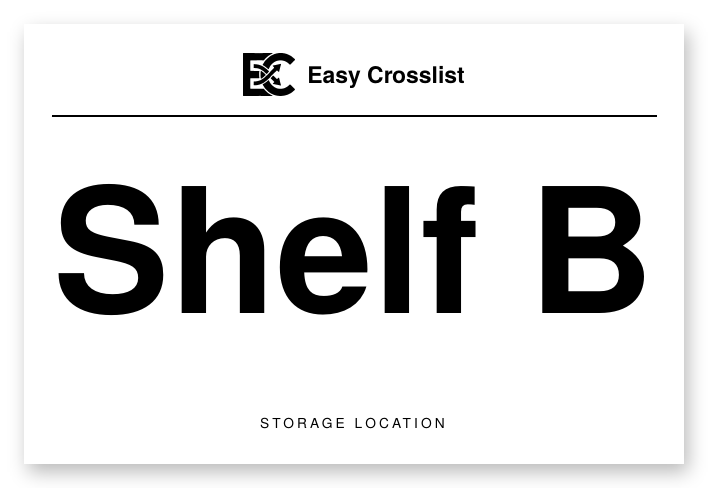
Big, bold bin names in pure black, sized for 4×6 thermal labels. Your store name and the Easy Crosslist logo on top.
4×6 bin labels for your thermal printer
Print bin labels on the same 4×6 labels you use for shipping — Rollo, MUNBYN, Zebra and other thermal printers.
- A range in one go — Bin 1 to Bin 50 — or every location you already use
- Big, bold names in solid black that print crisp on thermal paper
- 4×6 tall or 6×4 wide, one label per page
- The Easy Crosslist logo and name, plus your store name if you like
Print the PDF at 100% / actual size. If black areas look light, turn up your printer's darkness (density).
Tips for organizing reseller inventory
- Number, don't describe. "Bin 14" never goes out of date; "Winter coats" does. Use the Bins tab to see what's inside.
- Keep a "To list" bin. New finds go there until they're photographed, so your numbered bins only hold listed stock.
- Label the side you see. Print two labels for bins that get stacked — one for the end, one for the lid.
- Count once a quarter. Print the checklist PDF, walk your bins and tick items off. Anything missing gets found (or marked sold) before a buyer asks.
- Bin as you list. Setting the bin in the phone app while you take photos takes two seconds and saves minutes later.
Inventory bins & labels: FAQ
What printer do I need for bin labels?
Can I print a whole set of bin labels at once?
What's on the label?
How do I see what's in a bin?
Does the storage location get sent to the marketplaces?
Can I set the bin from my phone?
Find every sold item in seconds
Easy Crosslist crosslists to eBay, Poshmark, Mercari, Depop, Vinted, Facebook Marketplace and Whatnot — and keeps track of which bin each item is in.