 Easy Crosslist
Phone app
List from your phone
Photograph items where they are — in the closet, at the thrift store, on the shelf — and AI turns them into drafts before you're back at your desk.
Works on iPhone and Android · installs from your browser
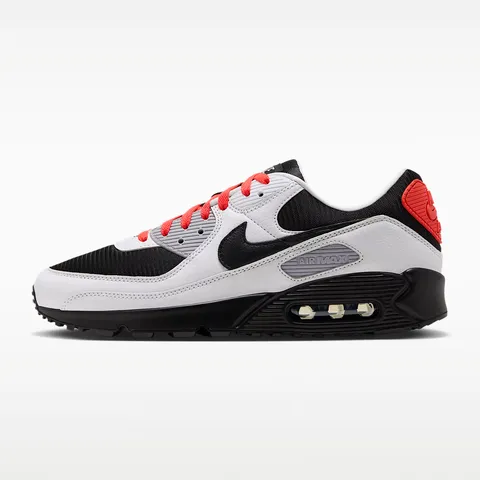
📸
Snap & fill
Photos in, AI fills title, description, brand, size and a price range.
🗃
Batch mode
Shoot a whole pile in a row; each item becomes its own draft.
⚡
List on eBay now
Post to eBay from your phone with your shipping policy of choice.
📚
Books & ISBN
Scan-friendly ISBN field fills the book title and author.
Phone app FAQ
Is there an Easy Crosslist app?
Yes — it installs straight from your phone's browser, no app store needed. Open app.easycrosslist.com/quick and choose Add to Home Screen (iPhone: Share → Add to Home Screen; Android: Install app).
What can I do on the phone app?
Take or pick photos, let AI fill in the listing, add details like price, size and ISBN, and save drafts. Batch mode lets you shoot several items in a row. Drafts appear under 📱 From phone on your dashboard.
Can I list from my phone?
eBay, yes — tap List on eBay now, pick a shipping policy, and it goes live. The other marketplaces are posted by the Chrome extension, so you finish those from your computer.
Can I share photos from my gallery?
On Android, yes: share photos from your gallery straight to Easy Crosslist and they open in Quick list.
Start crosslisting in minutes
Snap photos, let AI write the listing, and post it to every marketplace you sell on.